
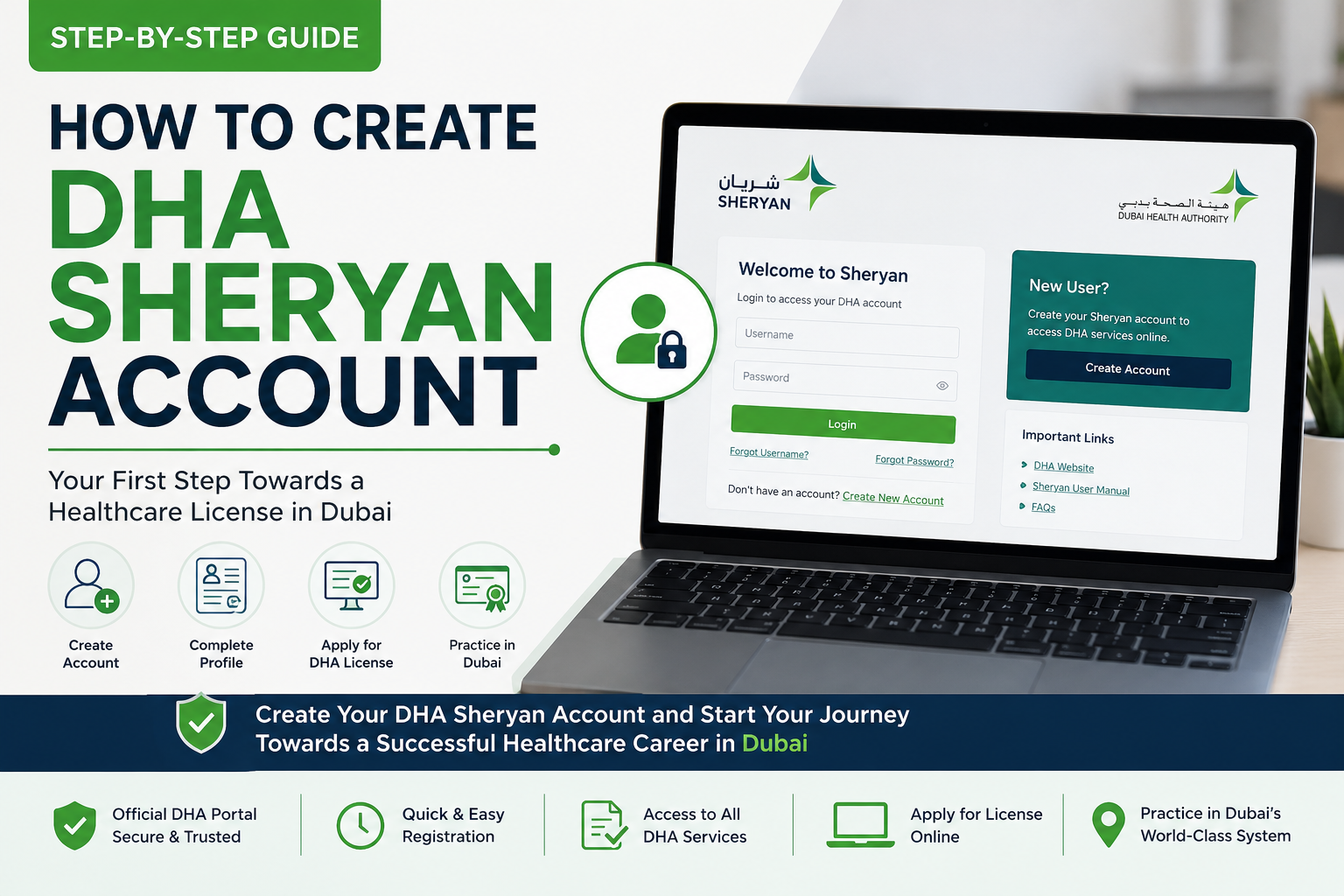
How to Create DHA Sheryan Account
If you want to work as a healthcare professional in Dubai, one of your first practical steps is understanding the DHA Sheryan system. Many doctors, nurses, dentists, pharmacists, physiotherapists, radiographers, lab technicians, optometrists, and allied health professionals hear about Sheryan only after they start their licensing journey. By then, they may already be confused by terms like DHA registration, DataFlow, eligibility letter, professional license, Sheryan login, and license activation.
Table of Contents
ToggleA DHA Sheryan account is the starting point for many Dubai Health Authority professional services. It is where candidates access the Dubai health licensing system, submit licensing-related applications, follow registration steps, check professional services, and connect with the pathway toward a DHA professional license. If you create your account carefully, the next steps become easier. If you rush, use the wrong details, or select the wrong professional category, your application may become stressful later.
This guide explains the account setup process in a practical way. It is not only about clicking “login.” It is about preparing the correct information, understanding the purpose of Sheryan, avoiding profile mistakes, and knowing what happens after your account is ready.
Starting Your DHA License Application?
Before you apply, prepare your documents, confirm your professional title, and understand how Sheryan registration works.
Key Takeaways
- Sheryan is the official Dubai health licensing gateway. DHA describes it as the digital gateway for registering and licensing healthcare professionals and facilities in Dubai.
- A Sheryan account should be created with accurate personal details. Your name, email, phone number, passport details, and professional information should match your documents.
- Sheryan login is not the same as license approval. Creating an account only gives you access to the portal; you still need to complete the correct application and requirements.
- The correct professional title matters. Your DHA registration and license application depend heavily on the title you choose.
- Prepare documents before starting. A passport copy, photo, qualification, license, experience records, and Good Standing Certificate may be needed depending on your pathway.
What Is the DHA Sheryan Account?
A DHA Sheryan account is your access point to the Dubai Health Authority’s health licensing system. It allows healthcare professionals and facilities to use DHA professional services, apply for registration, manage licensing workflows, and access information related to Dubai healthcare regulation.
DHA’s Sheryan page explains that the Dubai Health Licensing System is a digital gateway for registering and licensing healthcare professionals and facilities in Dubai. It also states that Sheryan helps healthcare professionals get registered and licensed to practice in Dubai.
For healthcare professionals, this means Sheryan is not just a website. It is the system where your professional licensing journey begins and continues. Your application, profile, registration steps, assessment pathway, and license-related services may all connect back to Sheryan.
Who Needs a DHA Portal Account?
A DHA portal account is useful for healthcare professionals who want to apply for registration or licensing services in Dubai. This can include:
- Doctors and general practitioners
- Specialist and consultant physicians
- Nurses and midwives
- Dentists and dental specialists
- Pharmacists and pharmacy technicians
- Physiotherapists and rehabilitation professionals
- Radiographers and imaging professionals
- Medical laboratory technicians and technologists
- Optometrists and optical professionals
- Anesthesia technicians and other allied health professionals
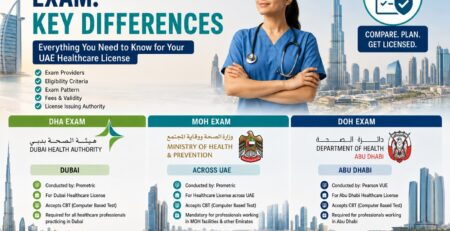
If you are still unsure whether you need DHA, MOHAP, or DOH licensing, choose based on where you want to work. Dubai usually means DHA. Abu Dhabi usually means DOH. MOHAP applies to MOHAP-regulated pathways. For comparison, read DHA vs MOH Exam Comparison and DHA vs DOH Exam Comparison.
Before You Create DHA Sheryan Account: Prepare These Details
Do not create your account in a hurry. Before starting, prepare the information you may need so you can avoid mistakes. The details you enter should match your official documents.
| Information / Document | Why It Matters |
|---|---|
| Valid email address | Used for account access, communication, password recovery, and application updates. |
| Mobile number | May be used for verification and important notifications. |
| Passport copy | Helps you enter your name and identity details exactly as shown in official records. |
| Professional title | Your selected title affects your eligibility, documents, exam, and licensing pathway. |
| Qualification details | Needed later for DHA registration, DataFlow, and license application steps. |
| License and experience details | Supports your professional eligibility and application review. |
How to Create DHA Sheryan Account: Step-by-Step
The Sheryan interface may change from time to time, so always follow the latest instructions on the official portal. The steps below explain the practical flow most beginners should understand.
Step 1: Visit the Official DHA Sheryan Portal
Start from the official DHA Sheryan portal or the DHA Health Regulation page. Avoid unofficial links or third-party pages that ask for your login details. Healthcare licensing is sensitive, so only use official DHA pages for account access and application submission.
Step 2: Click Login or Access the Professional Services Area
The official Sheryan portal includes a login option and sections for healthcare professionals, healthcare facilities, and Dubai Medical Registry. If you are an individual healthcare professional, choose the professional services route that matches your need.
Step 3: Use the Available Sign-In or Registration Method
Depending on the latest DHA system settings, you may be asked to sign in, register, or use an approved identity access method. Follow the on-screen instructions carefully. Use an email and mobile number you can access because you may need them for verification and future communication.
Step 4: Enter Your Personal Details Carefully
Enter your name exactly as it appears on your passport or official identity document. Do not shorten your name or use a different spelling. A small spelling difference can cause problems later when your documents, DataFlow verification, and professional profile are reviewed.
Step 5: Set Up Your Login Credentials
Use a strong password if the system asks you to create one. Save your login details securely. Do not share your Sheryan login with random agents, friends, or social media contacts. If a facility licensing officer needs information, coordinate through proper professional channels.
Step 6: Complete Profile Information
After creating or accessing the account, complete your profile information as required. Make sure your nationality, passport details, contact details, and professional information are accurate. If you are unsure about a professional title, pause and verify before selecting it.
Step 7: Explore the Correct DHA Registration Service
Once the account is ready, you can begin exploring the correct service for your situation. New professionals usually look for registration or eligibility-related services. DHA’s Get Registered service is designed for healthcare professionals who want to obtain DHA registration and become part of the Dubai Medical Registry after meeting requirements.
Sheryan Login: Common Problems and How to Avoid Them
Most Sheryan login issues happen because candidates forget login details, use an old email, enter incorrect credentials, or try to access the portal through an unsupported browser or device. The official portal may also require JavaScript and may display browser compatibility messages.
Simple Sheryan Login Tips
- Use the official DHA Sheryan website only.
- Keep your email and mobile number updated.
- Save your login details securely.
- Use a modern supported browser.
- Do not create duplicate profiles if you already have an account.
- Check spam or junk folders for verification emails.
- Use official password recovery options if needed.
DHA Registration After Creating Your Account
Creating the account is only the beginning. DHA registration is a separate step where you apply under a professional title and submit required information and documents. The account gives you access; the application is where the licensing journey really starts.
DHA’s Get Registered service explains that registration confirms the professional fulfills the requirements for the applied position and allows the professional to become part of the Dubai Medical Registry. It also states that registration is valid for one year and should be activated into a license by a healthcare facility before the professional starts practicing.
This means you should not confuse these three stages:
| Stage | Meaning |
|---|---|
| Sheryan account created | You can access the portal, but you are not registered or licensed yet. |
| DHA registration / eligibility | You have met key requirements for the applied professional title. |
| DHA professional license activated | A DHA-licensed facility activates your license and you can practice once the license is issued. |
For a full post-exam explanation, read DHA License Process After Passing the Exam.
Prepare Before You Submit DHA Registration
Check your eligibility, documents, DataFlow readiness, and exam category before submitting your DHA license application.
DHA License Application: What Happens After Account Setup?
After the account is created, you can begin the DHA license application pathway that matches your case. The exact process depends on your professional title and whether you need DataFlow, CBT assessment, oral assessment, or other steps.
Typical DHA License Application Flow
- Confirm professional title and eligibility.
- Prepare documents and create / access Sheryan account.
- Submit the registration or relevant professional service request.
- Complete DataFlow / Primary Source Verification where required.
- Book and pass the DHA assessment if required.
- Receive registration or eligibility output if approved.
- Find a DHA-licensed employer or facility.
- Proceed with professional license activation through the facility.
If you are at the beginning of this journey, read DHA Exam Requirements for Healthcare Workers and DHA Eligibility Letter Meaning and Uses.
Documents to Prepare Before Using the Dubai Healthcare Portal
The Dubai healthcare portal can request different documents depending on the service. Still, most healthcare professionals should prepare a clean digital folder before starting the application.
Recommended Document Folder
- Passport copy
- Recent passport-size photograph
- Qualification certificate
- Academic transcript where required
- Professional license or registration certificate
- Experience certificate
- Good Standing Certificate
- DataFlow / verification documents where applicable
- Updated CV or professional profile where required
For document verification guidance, read DHA DataFlow Verification Guide.
How to Choose the Correct Professional Title in Sheryan
This is one of the most important parts of the entire application. Your professional title should match your qualification, license, experience, and job goal. For example, a general nurse, registered nurse, specialist physician, general practitioner, pharmacist, physiotherapist, radiographer, and optometrist will not follow the exact same pathway.
Before choosing your title, ask:
- What is written on my qualification?
- What is written on my current professional license?
- What is written on my experience certificate?
- What job am I applying for in Dubai?
- Does the title require a DHA exam?
- Does my experience meet the requirement?
If your title selection is wrong, your exam preparation, DataFlow, and final licensing path can become complicated. For syllabus and title-based preparation, read DHA Exam Syllabus Guide for All Professions.
DHA Sheryan Account and DHA Exam Preparation
Many candidates create their account and then immediately ask, “Which DHA exam questions should I study?” The answer depends on your professional title. A dentist should not study nursing MCQs. A pharmacist should not use GP questions. A radiographer should not prepare from general allied health notes only.
Once your title and assessment requirement are clear, begin profession-specific preparation. Use topic-wise MCQs first, then timed mock tests. Review mistakes carefully before booking or attending the real exam.
For active preparation packages, visit DHA Exam Preparation.
Common Mistakes When Creating DHA Sheryan Account
- Using a temporary email address
- Entering a name that does not match the passport
- Creating duplicate accounts
- Choosing the wrong professional title
- Uploading unclear documents later in the process
- Sharing login details with untrusted people
- Starting an application before checking eligibility
- Assuming account creation means DHA registration is approved
- Ignoring DataFlow and exam requirements
- Not saving application references and login details
10 FAQs About DHA Sheryan Account
A DHA Sheryan account is the account healthcare professionals use to access Dubai Health Authority licensing services through the Sheryan system. It helps candidates begin registration, licensing, and professional service workflows for Dubai healthcare practice.
No. Sheryan login only means you can access the portal. DHA registration is a separate professional service where your eligibility, documents, assessment, and requirements are reviewed for the applied professional title.
You should create or access your account only through the official DHA Sheryan portal or official DHA pages. Avoid unofficial pages that ask for login credentials or personal documents.
You should keep a valid email address, mobile number, passport details, professional title information, and basic document details ready. Later application steps may require qualification, license, experience, Good Standing Certificate, and DataFlow documents.
It is better to avoid duplicate accounts. Duplicate profiles can create confusion in application tracking and professional records. If you already have an account, use official recovery options or contact DHA support if needed.
Use official password recovery or account support options. Check that your browser is supported, your internet connection is stable, and your email or mobile details are correct. Do not create a second profile unless official support instructs you.
Creating an account is only the first access step. You still need to choose the correct service, submit your details, meet eligibility requirements, and follow the workflow shown for your professional title before exam booking becomes available where required.
Many healthcare professionals begin their DHA registration journey while outside the UAE. However, the exact steps depend on the service, documents, verification, assessment requirement, and final license activation through a DHA-licensed facility.
The account gives you access to the Dubai healthcare portal. The license application or registration service is the actual professional workflow where you submit documents, complete verification, take assessment where required, and move toward registration or license activation.
After creating the account, confirm your professional title, prepare your documents, check eligibility, review DataFlow requirements, understand whether an exam is needed, and start title-specific DHA exam preparation if your pathway requires assessment.
Conclusion
Creating a DHA Sheryan account is the first practical step for many healthcare professionals planning to work in Dubai. But the account itself is only the doorway. The real licensing journey begins when you choose the correct professional title, prepare documents, submit the right service, complete DataFlow where required, pass the DHA exam if needed, and proceed toward registration and license activation.
Take your time at the beginning. Use accurate details, avoid duplicate accounts, protect your login, and never select a professional title casually. A clean start in Sheryan can save you weeks of stress later in your DHA license application journey.
Prepare With DHAExam.com
DHAExam.com supports healthcare professionals with DHA exam preparation, application checklists, DataFlow guidance, and Dubai licensing resources.
Disclaimer: DHA Sheryan account setup, login methods, professional services, application steps, documents, fees, exam requirements, and licensing workflows can change. Always verify your exact case through official DHA and Sheryan sources before creating an account, submitting an application, booking an exam, or starting clinical practice.